

Tools
Client integrations
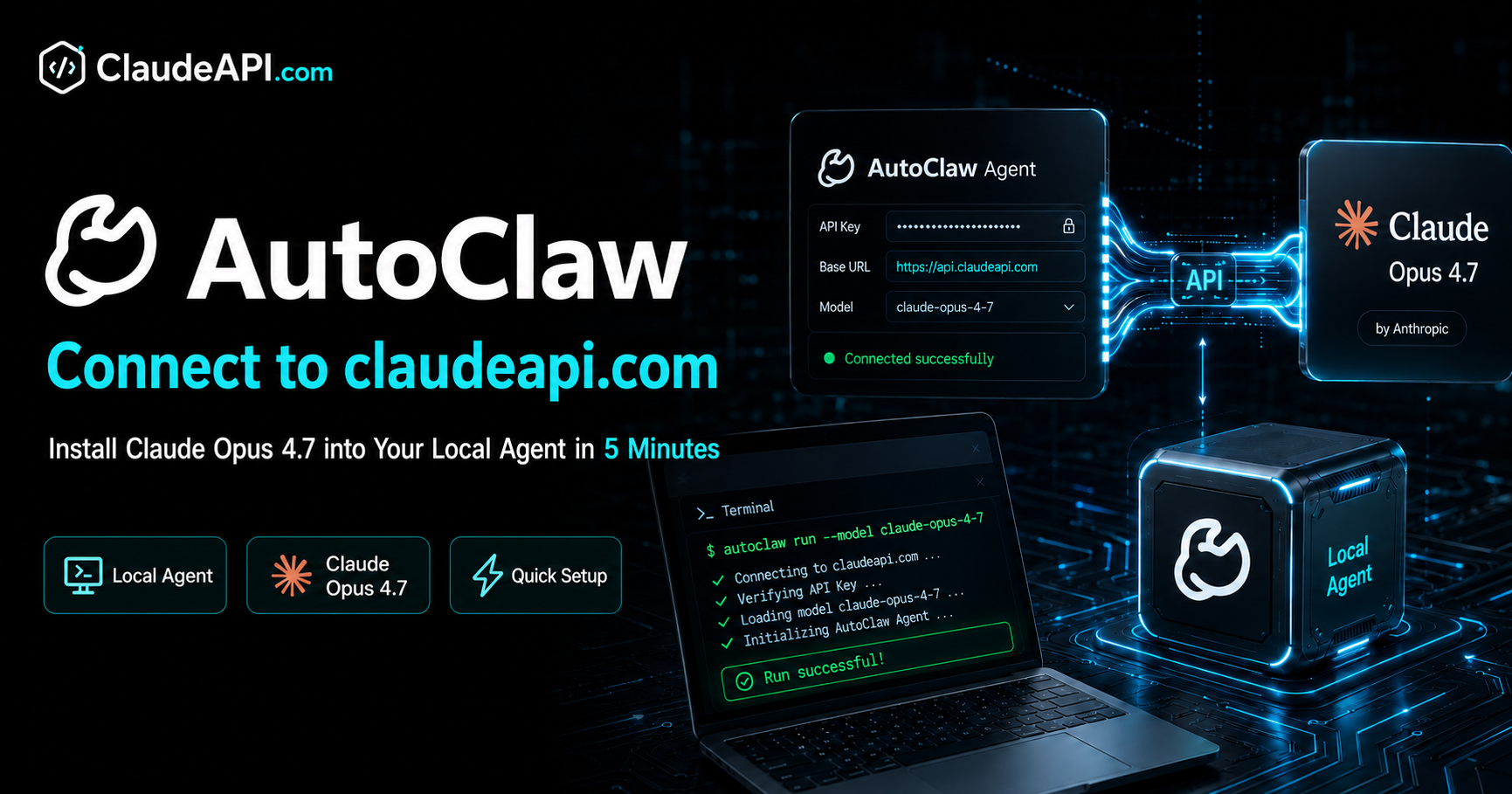
Connect AutoClaw to claudeapi.com: Get Claude Opus 4.7 Running in Your Local Agent in 5 Minutes
A step-by-step guide to adding a custom Claude model in the AutoClaw desktop app, connecting through claudeapi.com's gateway via the native Anthropic protocol. Covers the Settings entry point, Add Custom Model form fields, Connectivity Test verification, model switching, and troubleshooting.
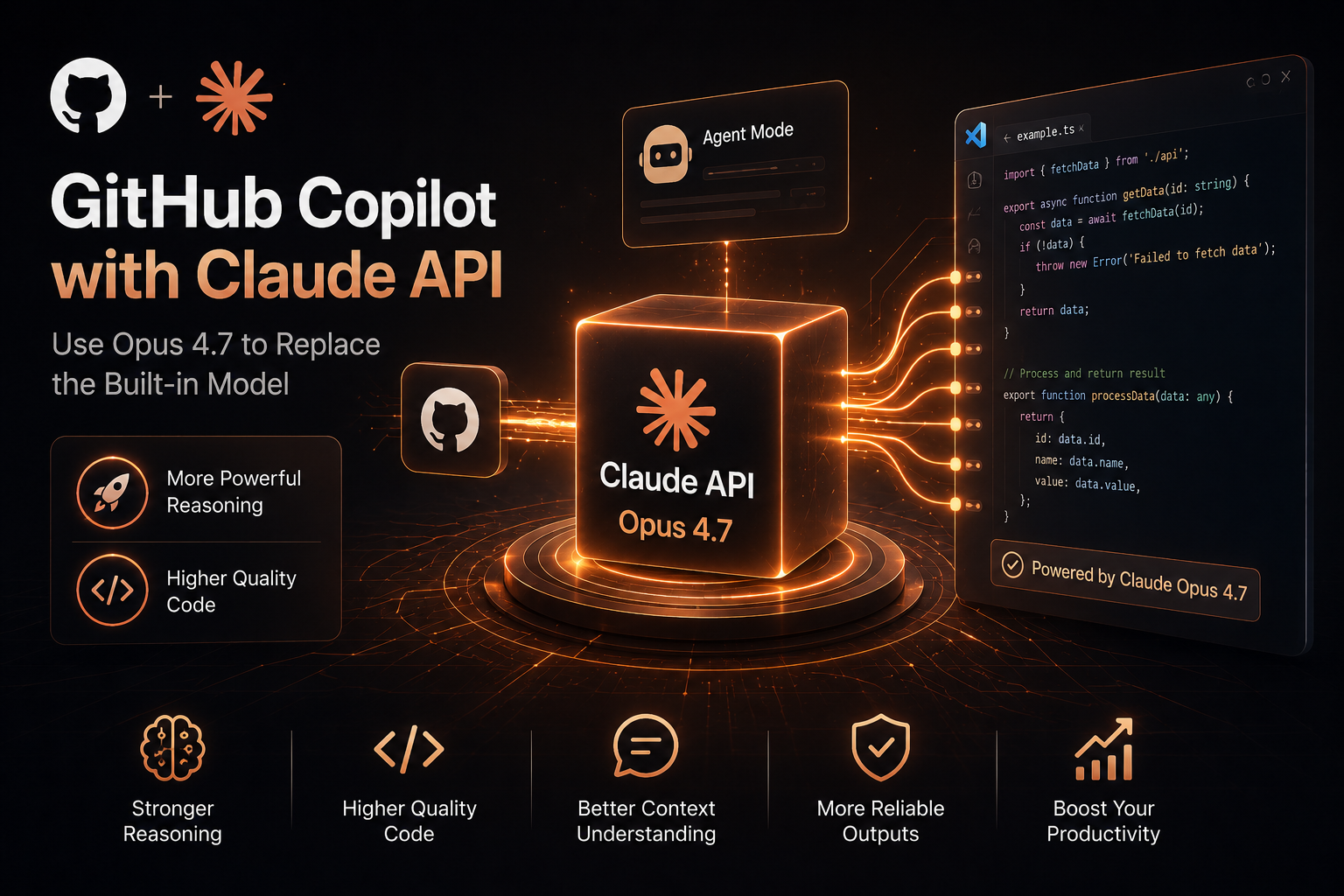
Swap GitHub Copilot's Built-in Model for Claude Opus 4.7: A Hands-On BYOK Guide
GitHub Copilot CLI now supports BYOK, allowing you to switch the model backend to an Anthropic-compatible endpoint. This guide walks through two complete integration paths for connecting ClaudeAPI with Copilot CLI and VS Code Chat. It covers the four core environment variables, connectivity checks, common error troubleshooting, and a quick configuration reference for developers who want to route Copilot workflows through Claude-compatible models.
OpenClaw + ClaudeAPI.com: Complete Setup Guide (About 5 Minutes)
**Learn how to install OpenClaw, configure your ClaudeAPI.com API key and base URL, and connect it to platforms like Telegram and Discord—so you can build your own Claude-powered AI assistant step by step.**

IntelliJ IDEA: Step-by-Step Setup with Continue and ClaudeAPI
Want to use Claude Sonnet, Opus, and other AI models directly inside IntelliJ IDEA? In this quick beginner-friendly guide, you’ll learn how to install an IntelliJ IDEA plugin, connect it to ClaudeAPI.com, and start using Claude models in your IDE in about 5 minutes. We’ll also cover common setup errors and how to fix them.
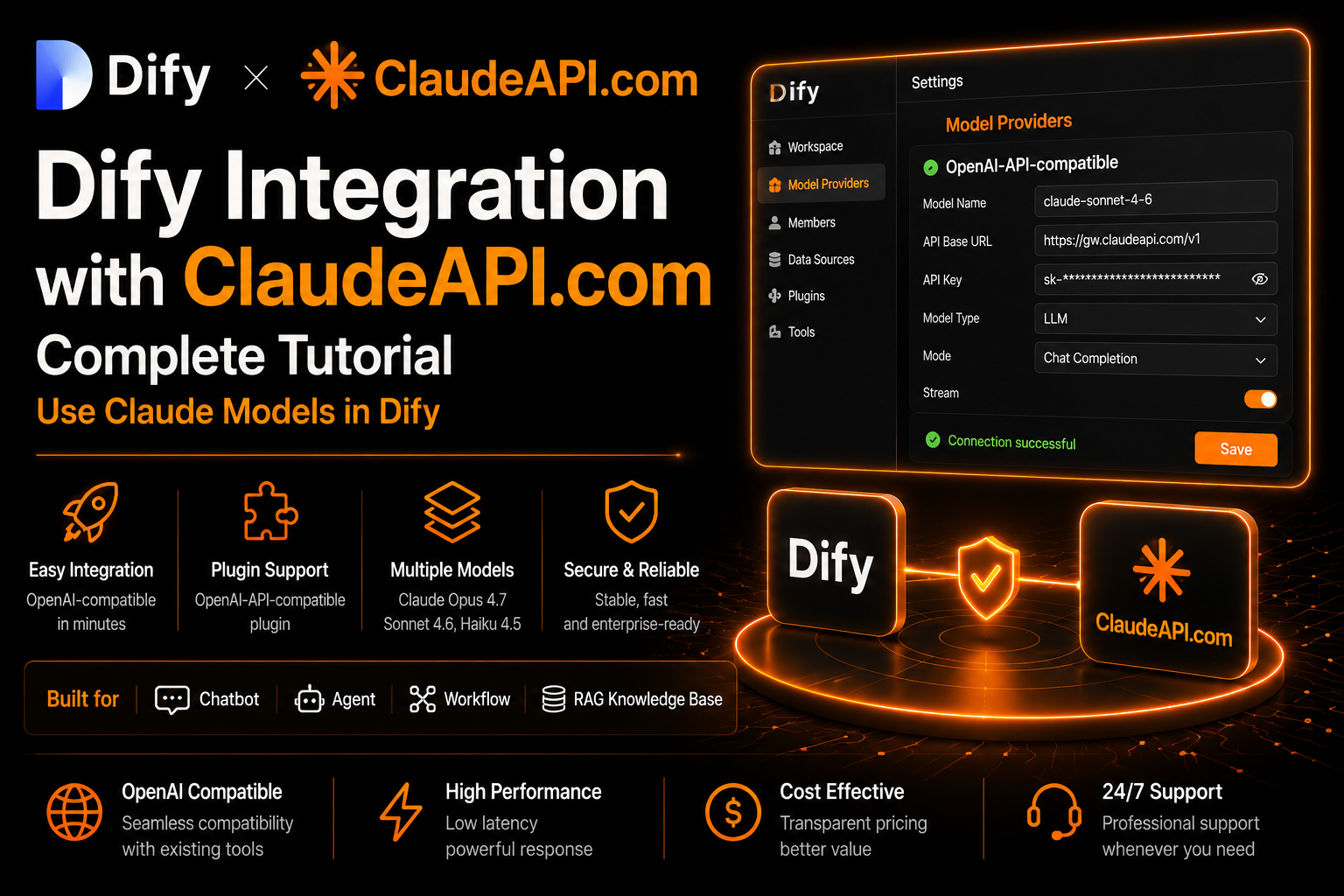
Complete Guide to Connecting Dify with ClaudeAPI.com
Step-by-step guide to connecting ClaudeAPI.com through Dify’s OpenAI-API-compatible plugin, supporting both the Cloud version and self-hosted version, with solutions for common errors.
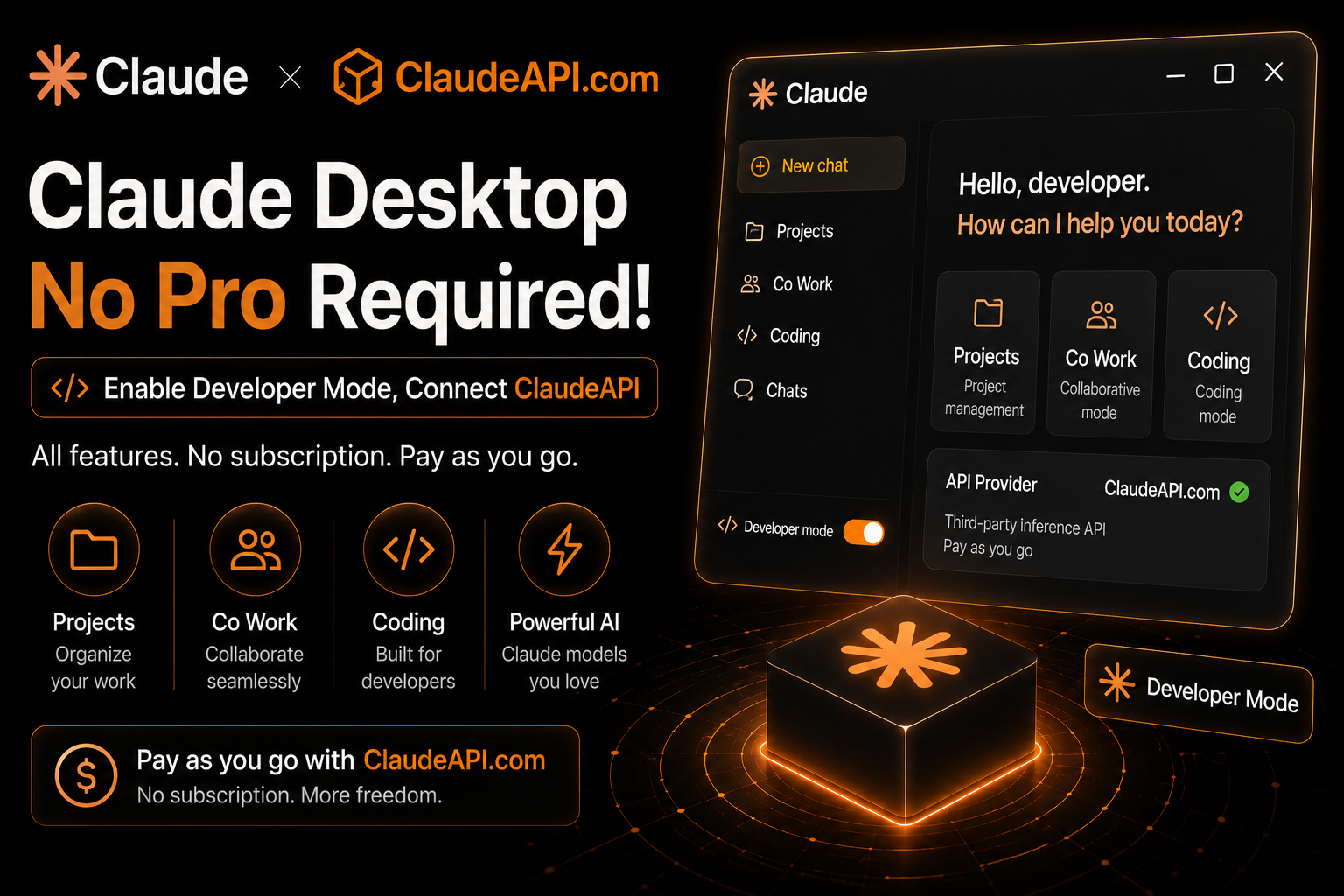
Skip Claude Pro for Desktop: Use Developer Mode + ClaudeAPI for Pay-As-You-Go Access
Step-by-step guide to enabling Developer Mode in the Claude desktop app and accessing the original Claude models via ClaudeAPI.com—no Pro/Max subscription required. Unlock advanced features such as Projects, Co Work, Coding, and more.