Claude Code Routines Launches: Cloud-Based Automated Coding Triggered by Schedules, APIs, and GitHub Webhooks
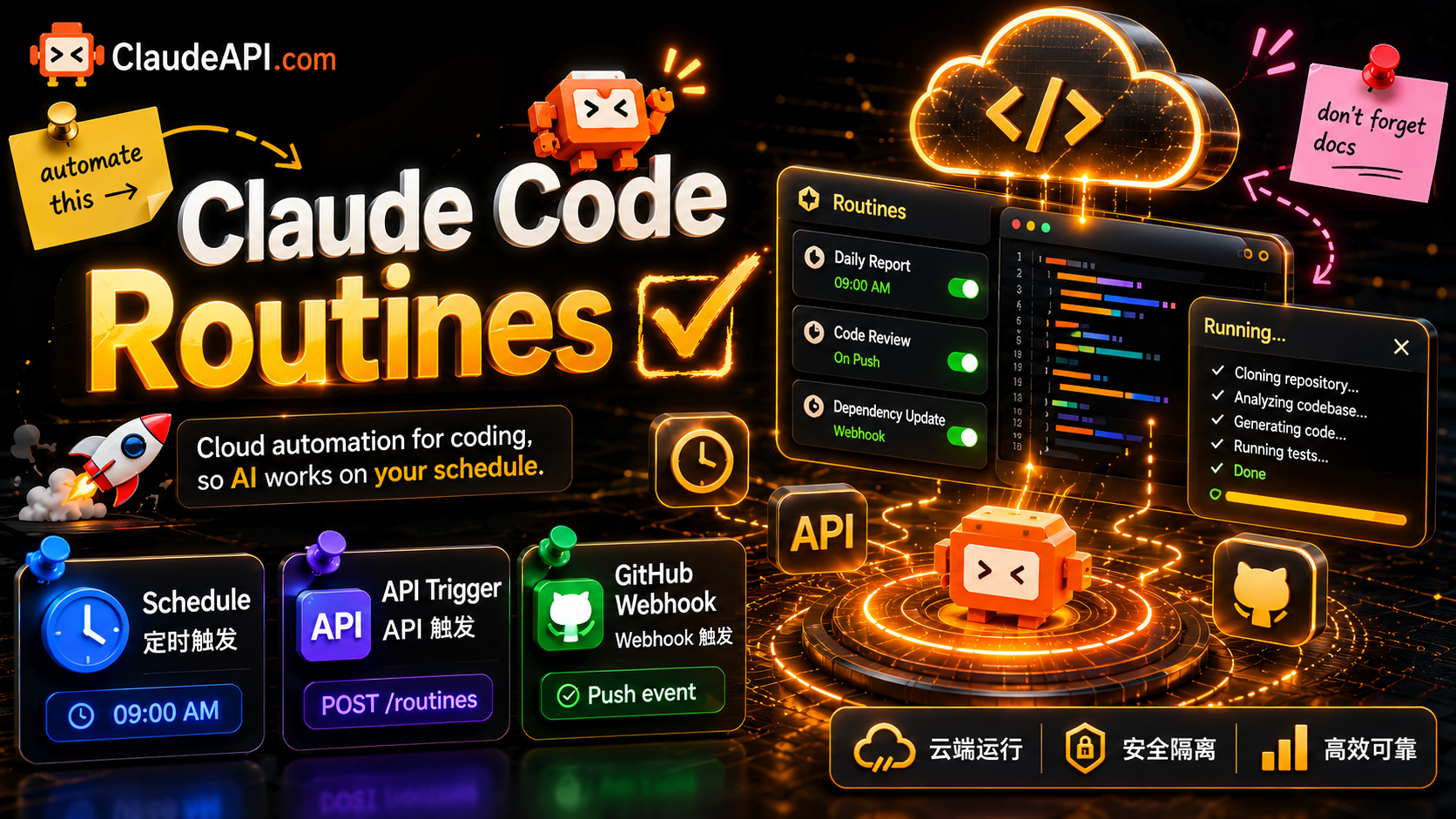
In the past, if you wanted Claude Code to run a task on a schedule, you had to maintain your own cron jobs, keep a machine running, and write a pile of glue scripts. Anthropic’s Routines moves this to the cloud: write a prompt, connect a repository, set a trigger, and the task runs automatically on Anthropic’s cloud infrastructure, even if your laptop is closed. This article breaks down how it works, the three trigger types, and the limits and security boundaries to watch when integrating it into your own workflow.
1. What Are Routines?
Routines were released as a research preview on April 14, 2026. A routine is essentially a saved Claude Code configuration: a prompt, one or more repositories, and a set of connectors, packaged once and run automatically.
Core mechanics:
- Runs on Anthropic’s cloud, without depending on your local machine. When triggered, Anthropic starts a Claude Code container, loads your routine, passes in the input, runs it to completion, then persists artifacts or exposes results through a webhook.
- Each run is a fresh session. It gets a fresh clone of the selected repository starting from the default branch, all configured connectors, skills committed into the repository, configured network access, and any setup script that runs before the session.
- No human in the loop: no permission-mode selection and no interactive approval. Claude reads the prompt, inspects the repository, calls connectors, runs commands, then commits to a
claude/-prefixed branch, opens a PR, sends a message, or calls a tool.
In one sentence: the progress is not in AI capability, but in trigger infrastructure. Claude Code could already do these tasks in interactive sessions. Routines let them run when you are not there.
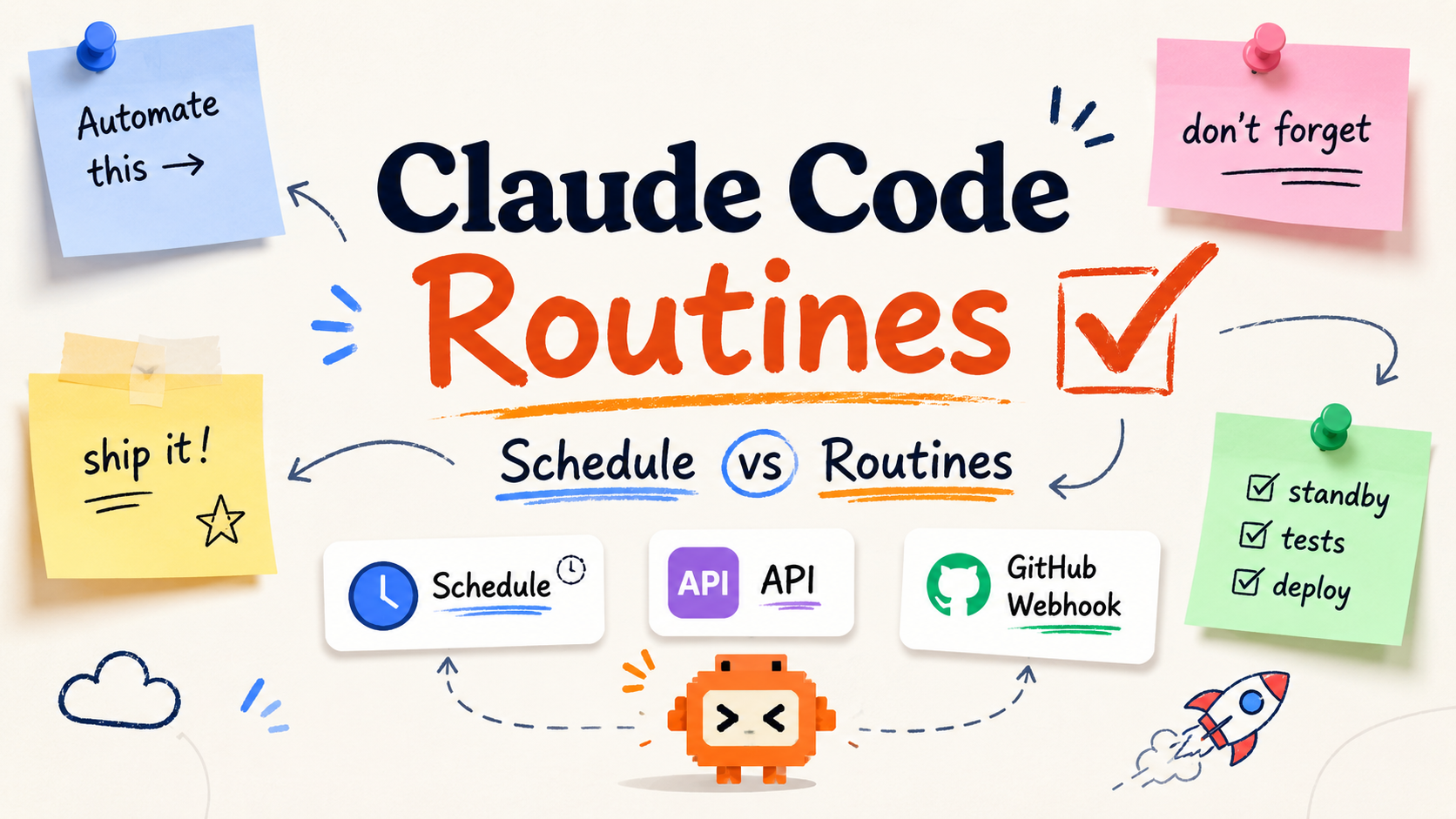
2. Three Trigger Types
| Trigger type | How it triggers | Typical use cases |
|---|---|---|
| Scheduled | Runs hourly, daily, on weekdays, weekly, or once at a future time | Daily report generation, overnight test runs, weekly summaries |
| API | Send an HTTP POST to the routine-specific endpoint with a bearer token | External systems, such as alerting platforms, trigger tasks on demand |
| GitHub | Repository events such as PRs, pushes, and releases trigger automatically | PR review, CI failure response, release workflows |
A single routine can have multiple triggers at the same time.
2.1 Scheduled
Scheduled routines support hourly, daily, weekday, and weekly runs. Times are entered in your local timezone and converted automatically. Note: cron expressions more frequent than hourly will be rejected.
The /schedule command in the CLI now creates a Scheduled Routine. The same feature has been unified under the Routines name. If you were already using /schedule, existing tasks will automatically become Routines, with no migration required.
2.2 API Trigger
Send a POST request to the routine-specific endpoint to trigger it. The request body includes input text, and the response returns the new session ID and URL:
curl -X POST https://api.anthropic.com/v1/claude_code/routines/trig_01ABC.../fire \
  -H "Authorization: Bearer sk-ant-oat01-xxxxx" \
  -H "anthropic-beta: experimental-cc-routine-2026-04-01" \
  -H "anthropic-version: 2023-06-01" \
  -H "Content-Type: application/json" \
  -d '{"text": "Sentry alert SEN-4521 fired in production. See the attached stack trace."}'
curl -X POST https://api.anthropic.com/v1/claude_code/routines/trig_01ABC.../fire \
  -H "Authorization: Bearer sk-ant-oat01-xxxxx" \
  -H "anthropic-beta: experimental-cc-routine-2026-04-01" \
  -H "anthropic-version: 2023-06-01" \
  -H "Content-Type: application/json" \
  -d '{"text": "Sentry alert SEN-4521 fired in production. See the attached stack trace."}'
Each routine has its own token, and that token can only trigger that routine. The token is shown only once when generated. You cannot retrieve it later, so store it in your secrets manager immediately.
2.3 GitHub Webhook
Attach the routine to the Claude GitHub App webhook. It supports a wide range of events: pull request, push, issue, check run, workflow run, discussion, release, and merge queue. Each event starts a separate session and is not reused.
The real power is in PR filters: you can filter precisely by author, title, body, base branch, head branch, labels, draft status, merged status, and whether the PR comes from a fork.
⚠️ Common pitfall: for webhooks to be delivered, the Claude GitHub App must be installed on that repository. The
/web-setupcommand in the CLI only grants clone permissions; it does not install the App. Trigger setup will prompt you to install it explicitly. If a routine looks correctly configured but never fires, check this first.
3. Security Boundaries and Limits
Branch safety: By default, Claude can only push to branches prefixed with claude/. This is a reasonable guardrail: a poorly written routine will not touch main. Only turn this off if you have a mature downstream review process.
Daily run limits by plan:
| Plan | Daily runs |
|---|---|
| Pro | 5 |
| Max | 15 |
| Team / Enterprise | 25 |
Routines and interactive sessions share the same usage quota. Automation will compete with developers’ interactive usage, so account for that when planning schedules.
Other notes:
- During the research preview, webhooks have hourly per-routine and per-account limits. Events above the limit are dropped.
- The
/fireendpoint is behind theexperimental-cc-routine-2026-04-01beta header. Request and response shapes, rate limits, and token semantics may change during the preview. Anthropic will keep the two most recent dated headers available to give you migration time. - No access to local files: Routines run in the cloud and only clone the repositories you configure. For tasks that need local files, use Desktop scheduled tasks.
4. Use the Claude API to Connect Automation to Your Own Systems
The API trigger for Routines is essentially “an external system sends an HTTP POST.” If you want your automation to make an additional Claude model call before triggering a routine, such as asking the model to classify alert severity before deciding whether to fire the routine, you can use the Claude API as the orchestration layer. claudeapi.com is compatible with the Anthropic SDK format, so you only need to replace base_url:
from anthropic import Anthropic

client = Anthropic(
    api_key="sk-...",                      # Get this from the claudeapi.com console
    base_url="https://gw.claudeapi.com",   # Smooth integration: only replace base_url
)

def should_fire_routine(alert_text: str) -> bool:
    """Ask the model whether the alert should trigger an automatic remediation routine."""
    resp = client.messages.create(
        model="claude-haiku-4-5-20251001",  # Use Haiku for classification: fast and cost-efficient
        max_tokens=10,
        system="You are an alert triage assistant. Reply only YES if immediate automated handling is needed, otherwise NO.",
        messages=[{"role": "user", "content": alert_text}],
    )
    return resp.content[0].text.strip().upper().startswith("YES")
from anthropic import Anthropic

client = Anthropic(
    api_key="sk-...",                      # Get this from the claudeapi.com console
    base_url="https://gw.claudeapi.com",   # Smooth integration: only replace base_url
)

def should_fire_routine(alert_text: str) -> bool:
    """Ask the model whether the alert should trigger an automatic remediation routine."""
    resp = client.messages.create(
        model="claude-haiku-4-5-20251001",  # Use Haiku for classification: fast and cost-efficient
        max_tokens=10,
        system="You are an alert triage assistant. Reply only YES if immediate automated handling is needed, otherwise NO.",
        messages=[{"role": "user", "content": alert_text}],
    )
    return resp.content[0].text.strip().upper().startswith("YES")
Once triage and triggering are decoupled, workflows like “automatically start a remediation routine for high-severity alerts, but only log low-severity alerts” become easy to run. Use a cheaper Haiku model for the upfront decision, then let Routines handle the real fix in the cloud.
5. Summary
- Routines = saved Claude Code configuration + three trigger types: Scheduled, API, and GitHub + cloud execution. They free automated coding from self-managed cron jobs and always-on machines.
- Before integrating, watch three things: branch safety defaults to only allowing the
claude/prefix, daily run limits are shared with interactive usage, and webhooks require the GitHub App to be installed first. - If you want to add a model-based decision step to your automation chain, the easiest path is to orchestrate with the Claude API: use Haiku for classification and Sonnet/Opus for complex processing.
Need to connect Claude capabilities to your automation system? claudeapi.com is compatible with the Anthropic SDK. For model pricing and integration docs, see claudeapi.com. The console is available at console.claudeapi.com.